

How it works
- Sign up at app.opengeni.ai and get an API key.
- Add one backend route and
<OpenGeniChat />to your app, or let Opengeni or your coding agent do it. - Your users get agents in your product that call your APIs, ask before acting, and finish the work.
Choose your path
Embed in your product
Add the full agent conversation to your app. Hand the integration to your coding agent, or
follow four manual steps.
Use Opengeni for your team
Sign in at app.opengeni.ai, connect a model, and give agents work from the web app.
Self-host
Run the same Apache-2.0 platform on your own infrastructure with Helm and Terraform.
The fastest way to embed
Most teams integrate Opengeni with a coding agent such as Claude Code, Codex, or Cursor. Install the Opengeni plugin, give your agent one prompt, and it wires up your backend, your users, and the UI.What you get
- A complete conversation UI.
OpenGeniChatgives each user their chats and a conversation with streaming replies, tool calls, approvals, questions, attachments, queueing, and steering. Brand it with CSS tokens. - Your tools, your users. The agent calls your product through an MCP server or an OpenAPI description, as the signed-in user, with short-lived tokens you mint.
- Durable sessions. Every event lands in a Postgres log. Reloads, new clients, and audits replay the same history, and work survives worker restarts.
- Agents that finish. Give a session a goal with success criteria and it keeps working until it completes the goal with evidence or pauses with a reason.
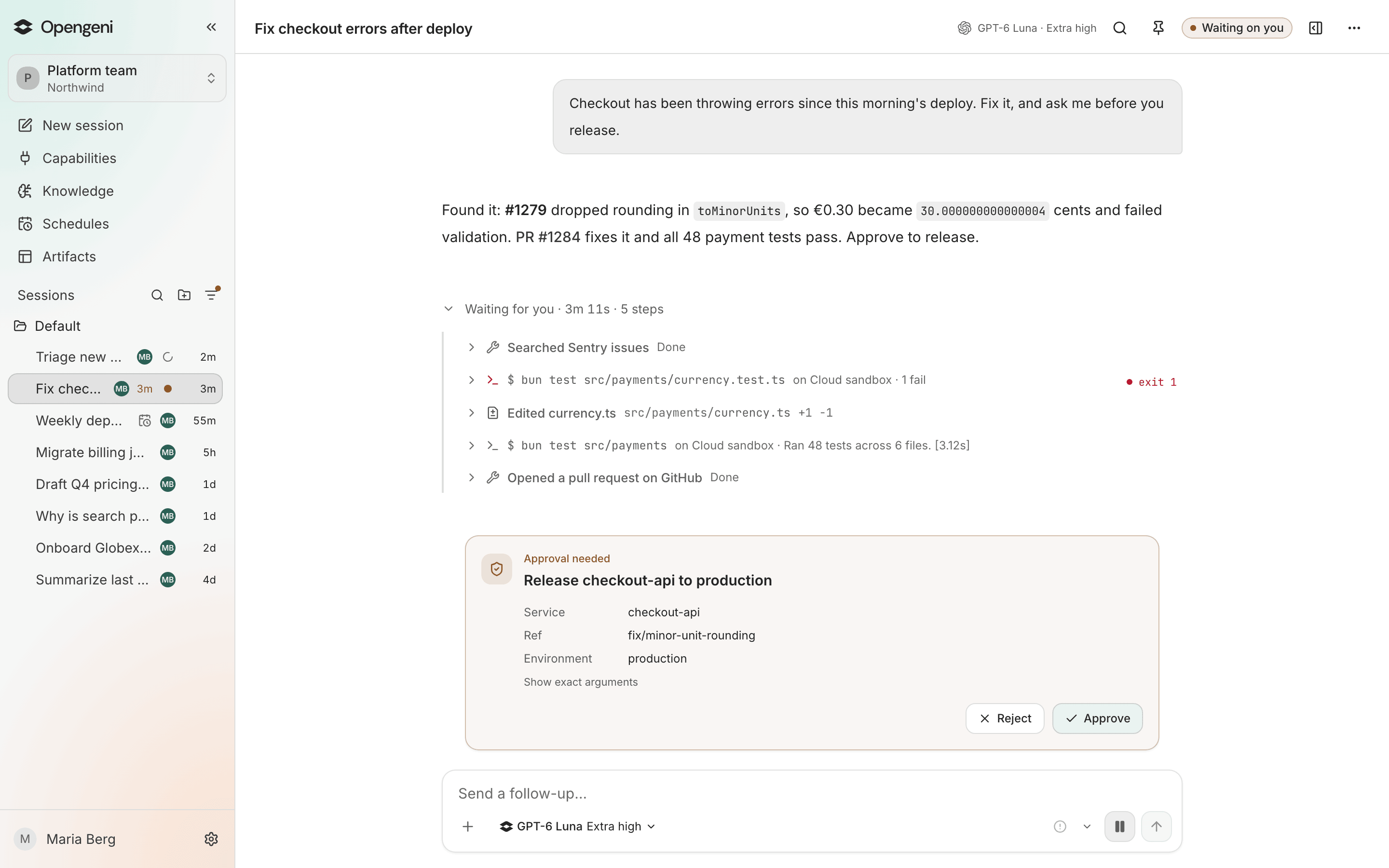
- Humans in control. Tool approvals and structured questions pause the exact turn until someone answers.
- Background work. Scheduled tasks and inbound webhooks start agents without a user in the loop.
- Your choice of compute. Sessions run with no sandbox, in a managed sandbox, or on a machine you enroll.
Where to go next
How it fits together
The browser, your backend, and Opengeni, and how tenants map to workspaces.
Concepts
Sessions, turns, goals, approvals, compute targets, and knowledge.
For AI agents
The integration skill, llms.txt, and the docs MCP server.
Source on GitHub
The runtime, web app, SDK, deployment artifacts, and engineering docs.